Video Editing course · Calicut
Video Editing & Production Course in Calicut
4 months · Offline in Calicut & Omassery or live online · 100% placement assistance
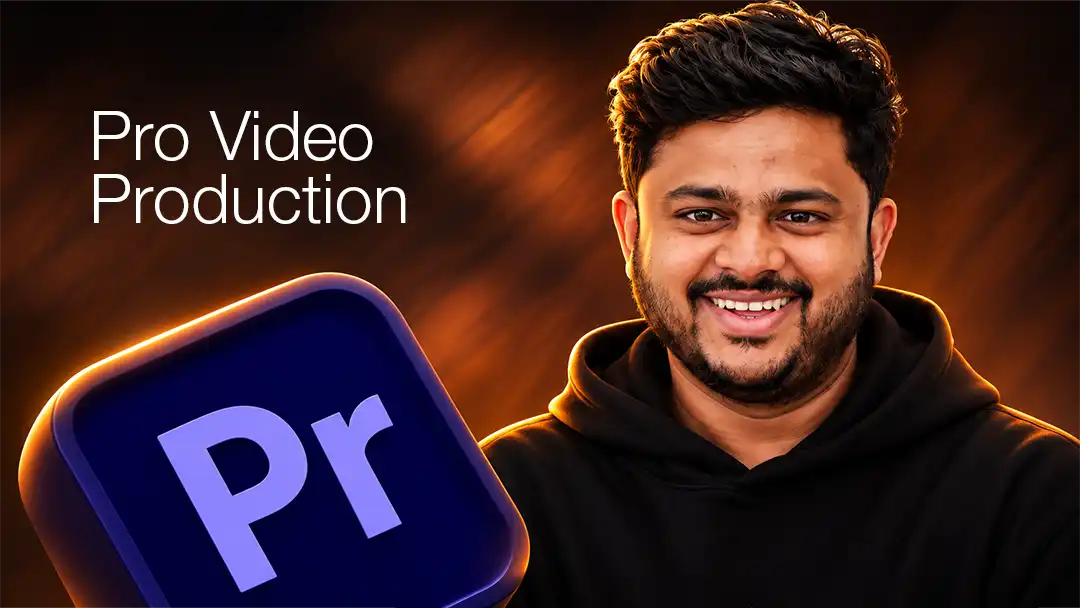
Video editing is the process of turning raw footage into a story using cuts, pacing, sound, colour and motion graphics. At 360 Digi Academy, it is a 4-month professional video production program covering shooting, Premiere Pro, After Effects, colour grading and AI video tools.
Short-form video is now the main format for brands, and skilled editors are hired by agencies, production houses, YouTubers and GCC companies. Our video editing course in Calicut takes you from planning a shoot to delivering a polished showreel, with mentors who edit for real clients every week.
Course at a glance
Everything you need to know
Who is this course for?
Built for beginners and career switchers
No prior experience needed. If you're curious and willing to practise, we'll take care of the rest.
- Aspiring YouTubers, reel creators and influencers
- Students passionate about films, ads and storytelling
- Photographers moving into video
- Marketing professionals who need in-house video skills
- Freelancers targeting agency and GCC clients
What you'll learn
Video Editing syllabus
10 modules, from fundamentals to a finished portfolio.
Production Basics
Script writing, storyboarding and planning a shoot.
Camera & Lighting
DSLR, mirrorless and smartphone filming, composition, angles and lighting setups.
Audio
Recording clean audio, mic types, sound design and music licensing.
Adobe Premiere Pro
Editing workflow, cutting for pace, multicam, titles and export settings.
Adobe After Effects
Motion graphics, kinetic typography, logo animation and basic VFX.
Colour Correction & Grading
DaVinci Resolve and Lumetri for cinematic looks.
Short-Form & Reels
Hook-first editing, captions and trends for Instagram Reels and YouTube Shorts.
Commercial & Documentary
Ad films, brand stories, interviews and long-form YouTube.
AI Video Tools
Runway, Kling AI, ElevenLabs, CapCut AI, Descript and Premiere Pro AI features.
Portfolio & Freelancing
Showreel creation, client handling and pricing.
Tools you'll master
Industry software + AI
What you'll graduate with
Proof you can do the job
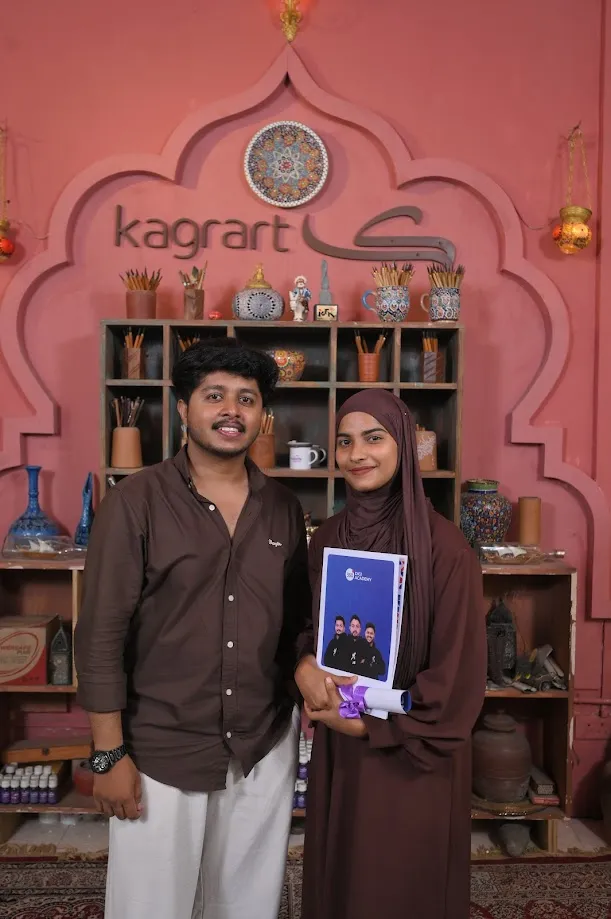
By the end of the course you'll have a showreel with real ad films, reels, a YouTube video and motion graphics pieces, a 360 Digi Academy certificate, interview practice and a clear plan for your first job or first clients.
Career opportunities after this course
Where Video Editing takes you
Our graduates work at agencies, brands, startups and production houses in Kerala, Bengaluru and the GCC, and many build their own freelance income.
- Video Editor
- Reels Editor
- YouTube Editor
- Motion Graphics Designer
- Cinematographer
- Content Creator
- Commercial Video Editor
- Freelance Video Editor
How the course flows
Your 4-month journey
- Month 1
Foundations and core tools. Daily practice in class with instant mentor feedback.
- Month 2
Advanced skills and your first live project for a real business.
- Month 3
Specialisation, AI workflows, team projects and guest sessions.
- Month 4
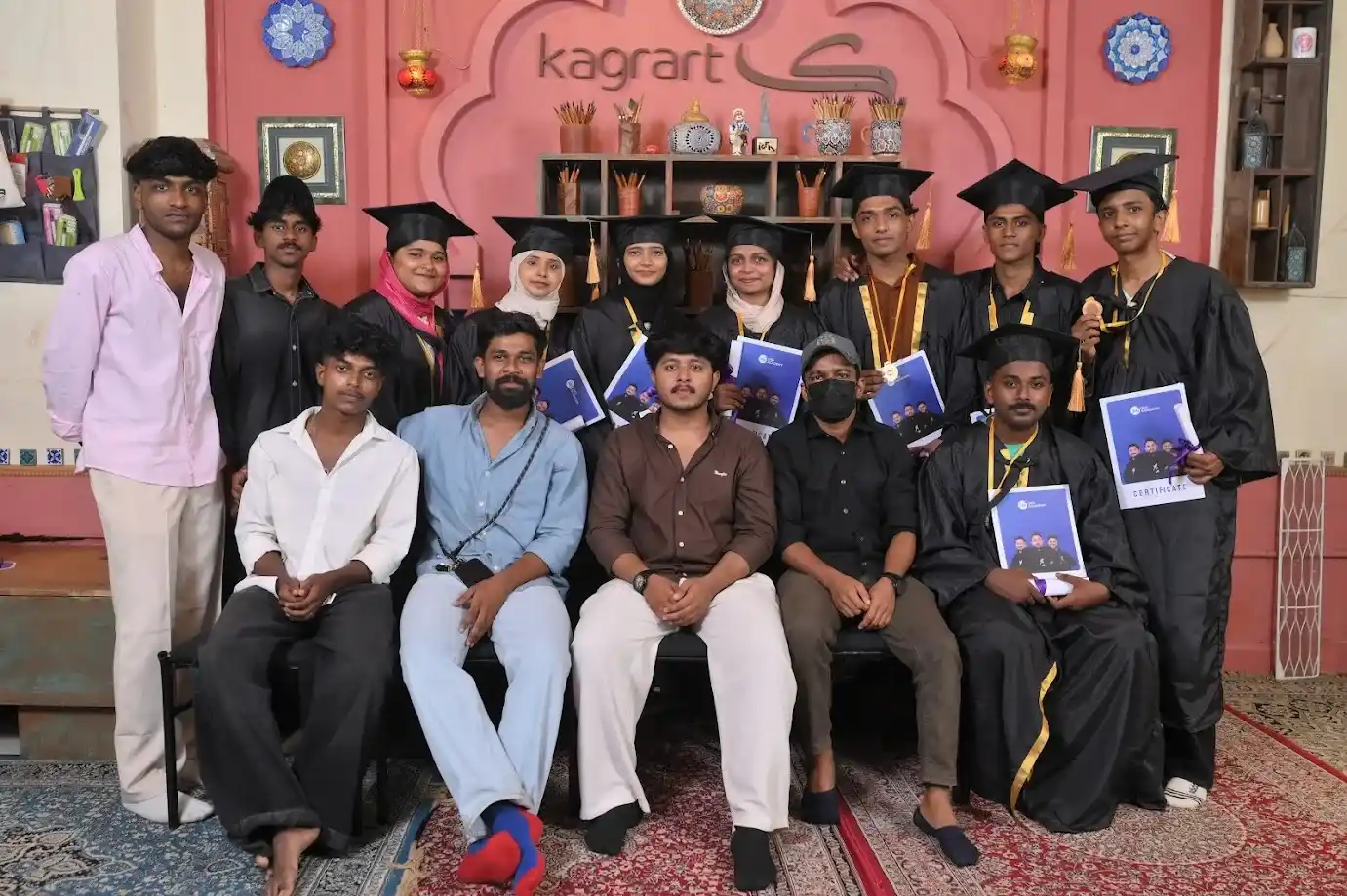
Portfolio finishing, mock interviews, internship and placement drive.
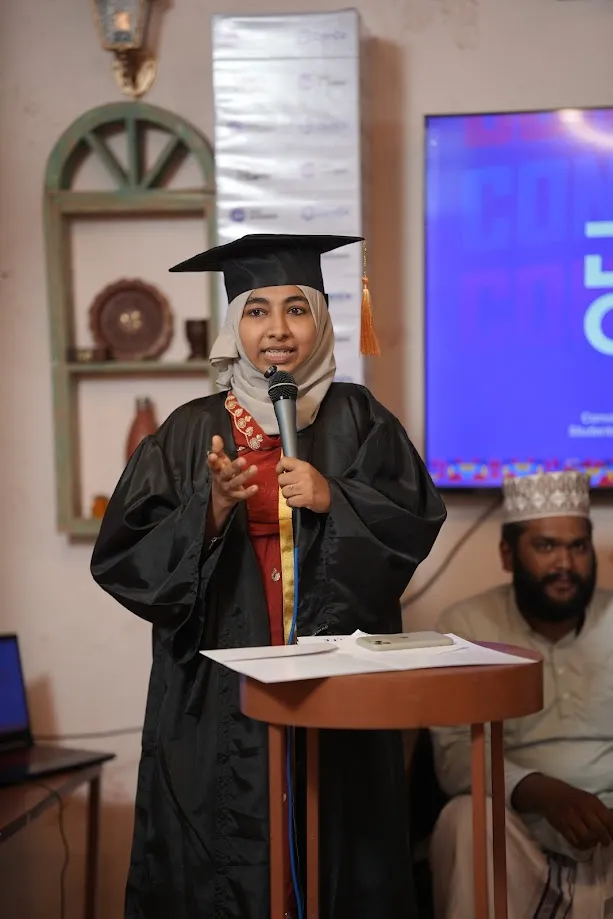
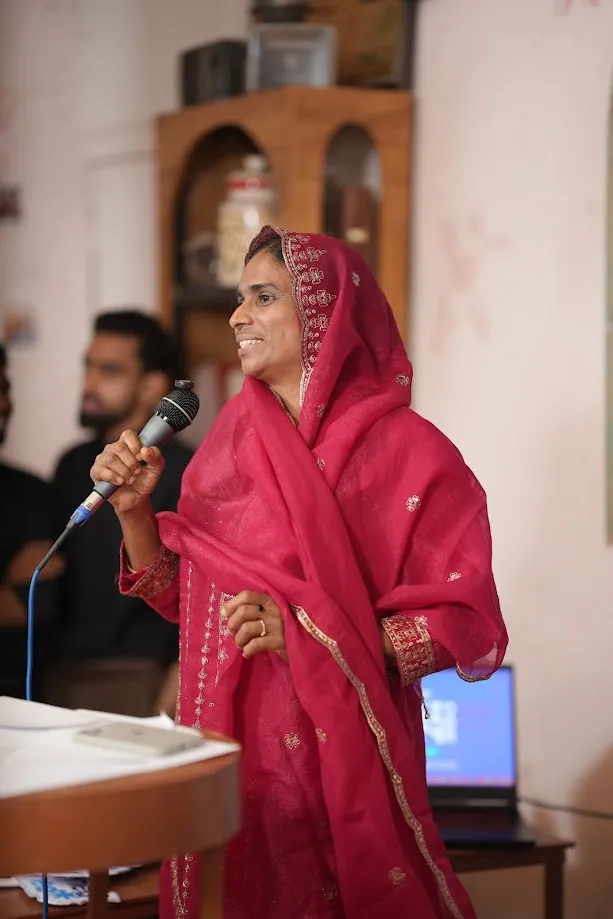
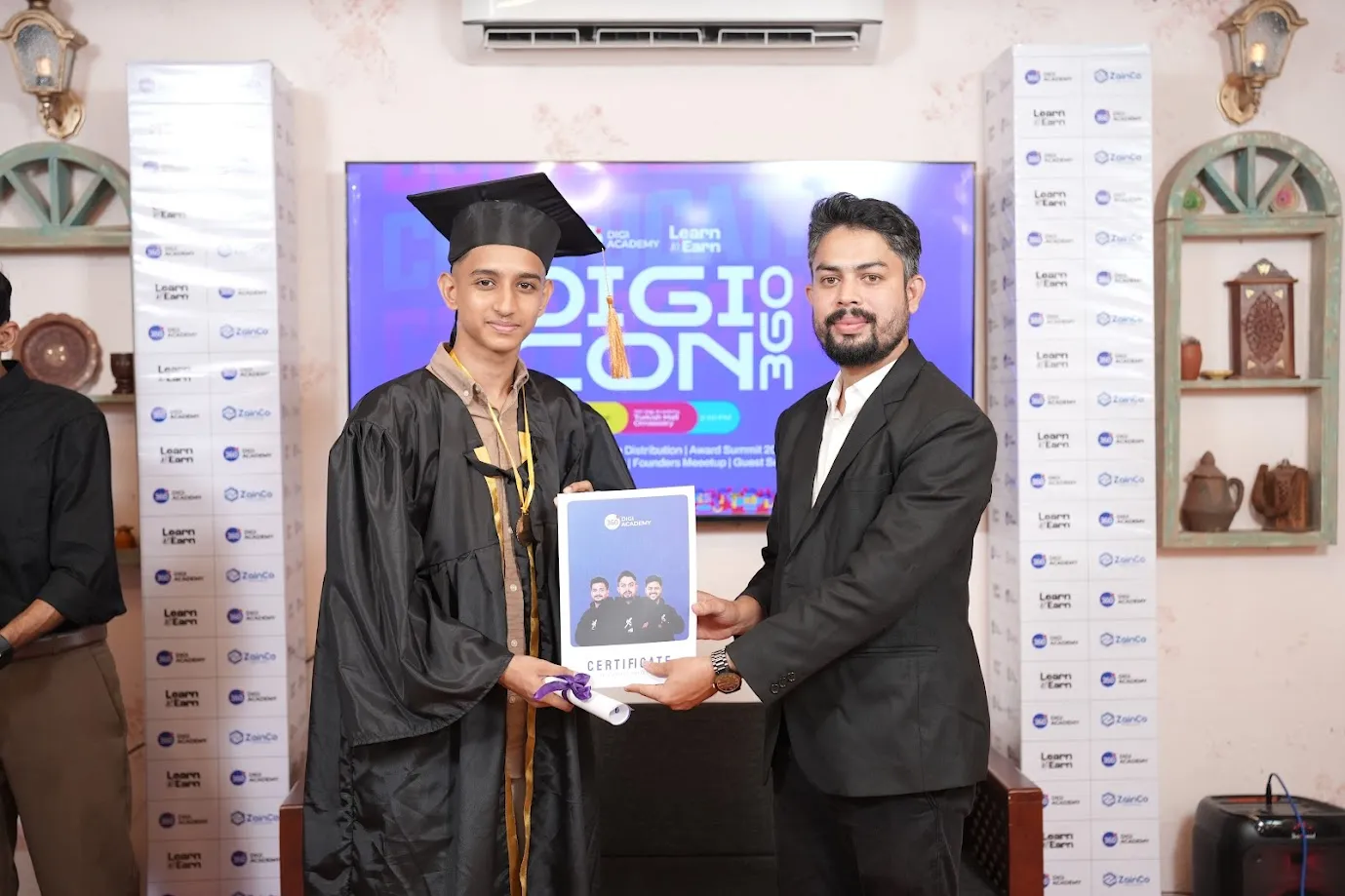
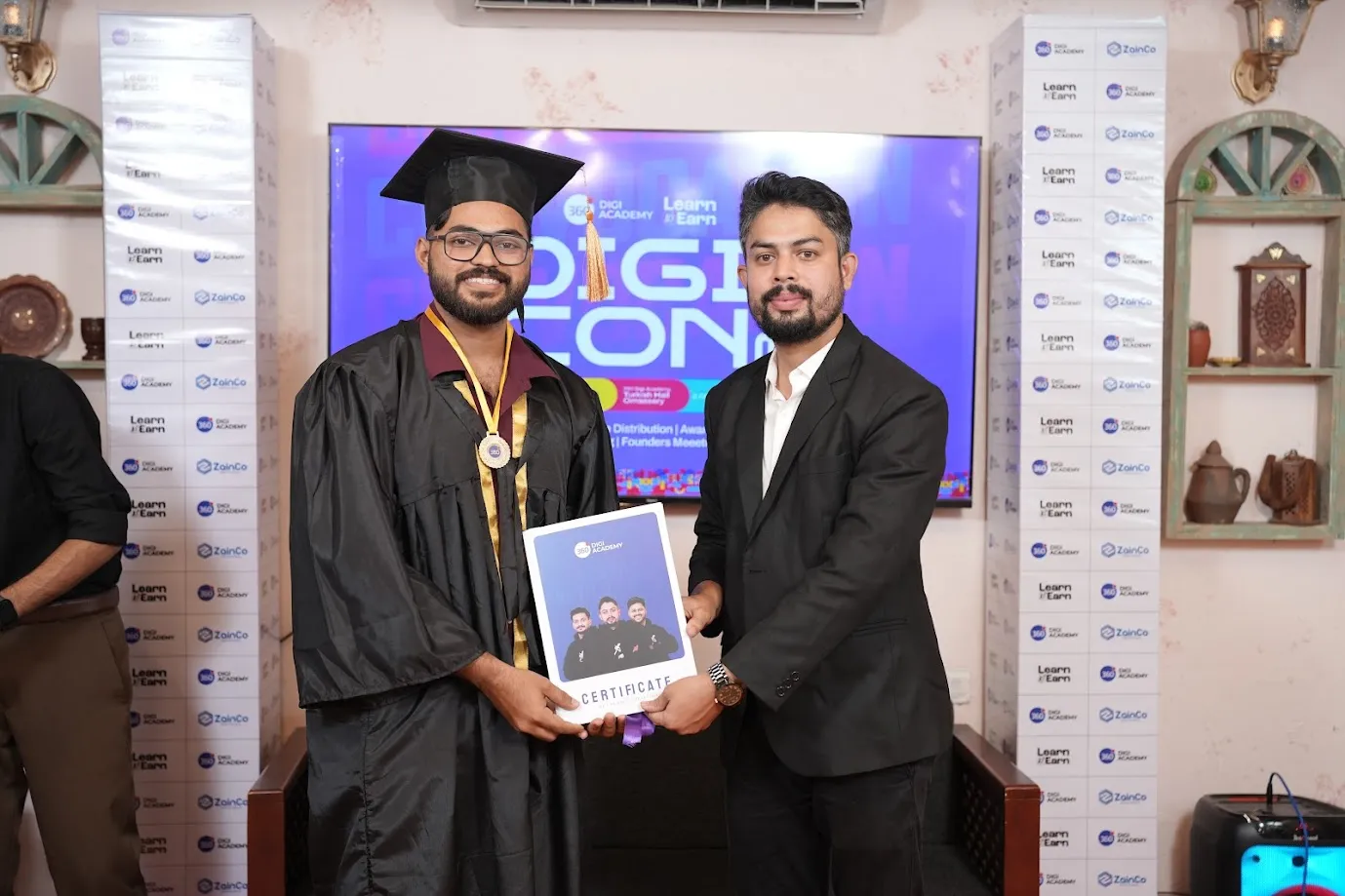
Choose your learning mode
Offline or live online
Frequently asked questions
Video Editing FAQ
Do I need my own camera?
No. Offline students use academy equipment during practical sessions. You also learn to shoot professional content on a smartphone.
Is video editing a good career?
Yes. Short-form video is now the main format for brands, and skilled editors are hired by agencies, production houses, YouTubers and GCC companies, or work as freelancers.
Which software is taught?
Adobe Premiere Pro, After Effects and DaVinci Resolve, plus CapCut and AI tools like Runway, Kling AI, ElevenLabs and Descript.
What kind of computer do I need for online classes?
A laptop or desktop with at least 16 GB RAM and a dedicated graphics card is recommended for smooth editing. Our counsellors can suggest options for your budget.
Will I learn reels editing?
Yes. Reels and Shorts editing is a full module, including hooks, captions, transitions and trend formats.
Start your Video Editing journey
Limited seats in the next batch. Book a free counselling session to get batch dates, fees and EMI options.